WordPress case study
A WordPress front end for WorldFirst, with a custom currency calculator
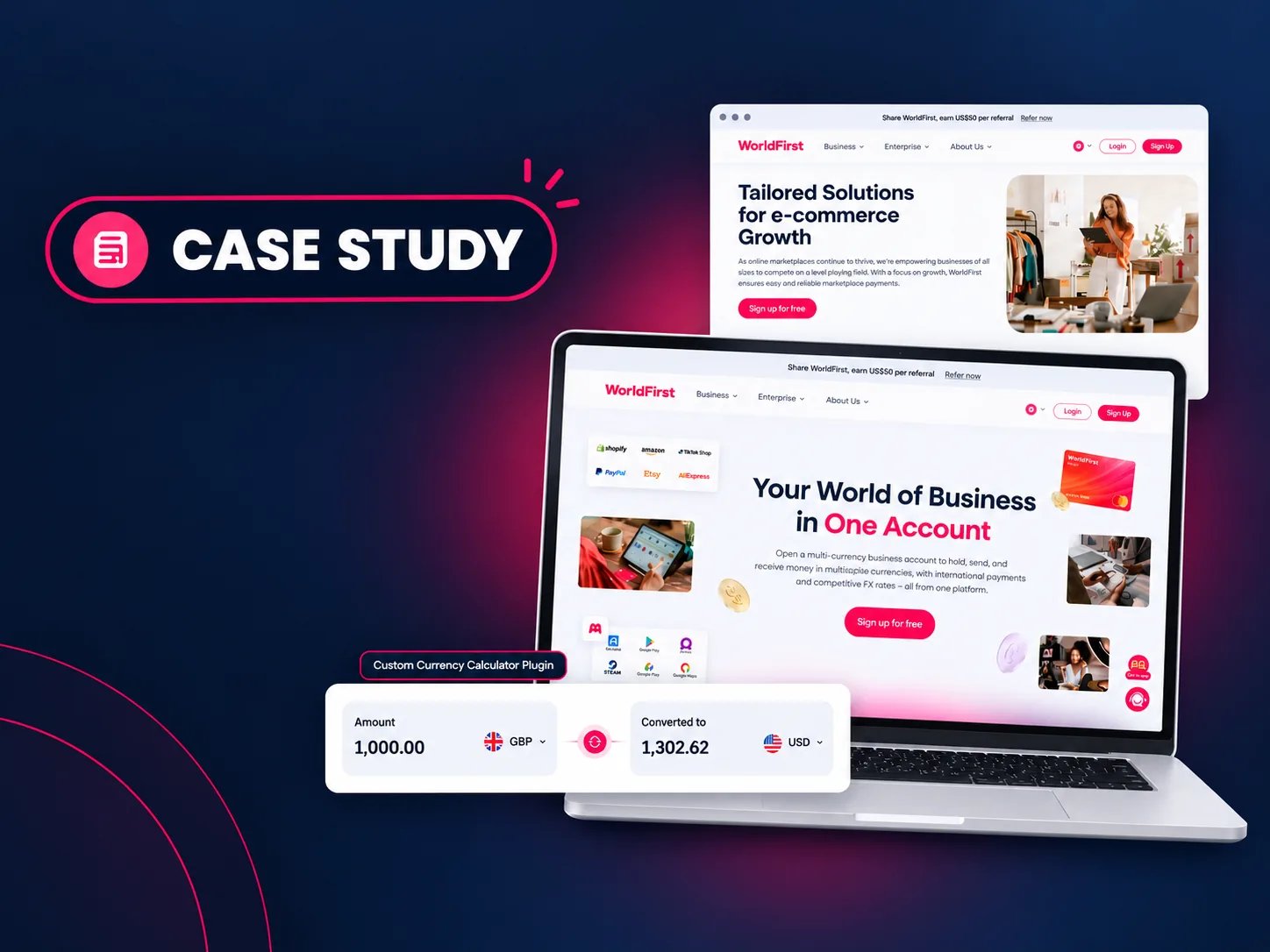
WorldFirst gives online sellers and businesses a multi-currency account for international payments. I turned their Figma designs into a WordPress site built in Elementor, then added the interactive parts a page builder can’t do on its own.
The brief
What WorldFirst needed
WorldFirst’s marketing pages were designed in Figma and needed to live in WordPress, editable in Elementor and matching the designs closely on every screen size.
Some features went beyond layout. Visitors needed to work out currency conversions on the page, and parts of the site had to pull data and behave like an app.
What I built
The work, step by step
Figma to Elementor, page by page
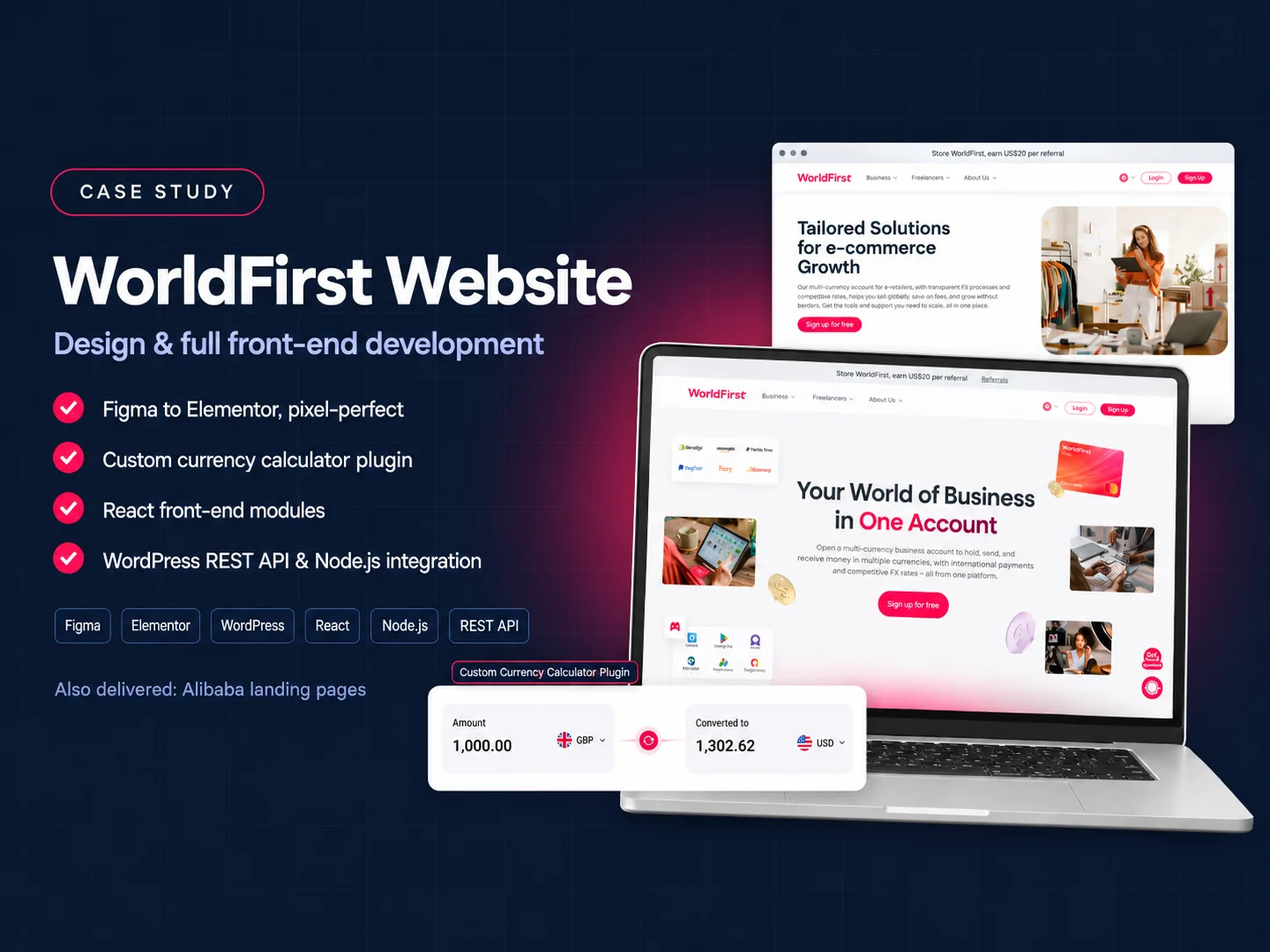
I rebuilt each Figma design as an Elementor layout and wrote the complete front end, keeping spacing, type and components consistent with the design files.
Custom currency calculator plugin
A WordPress plugin I wrote lets visitors enter an amount and see it converted between currencies, for example GBP to USD, without leaving the page.
React modules inside WordPress
Interactive sections are React modules that load inside normal WordPress pages, so they behave like an app while the rest of the site stays easy to edit.
REST API and Node.js integration
The modules exchange data with WordPress through its REST API, with Node.js handling supporting functionality outside WordPress.
Landing pages for Alibaba
Alongside the main site, I built several landing pages for Alibaba and other company projects using the same approach.
Tools and technologies
The stack behind it
- Figma
- Elementor
- WordPress
- React
- Node.js
- REST API
The result
The result
WorldFirst got a responsive WordPress site that follows the approved designs, a team-friendly editing setup in Elementor, and custom code exactly where the page builder stopped being enough.
See the live website (opens in a new tab)